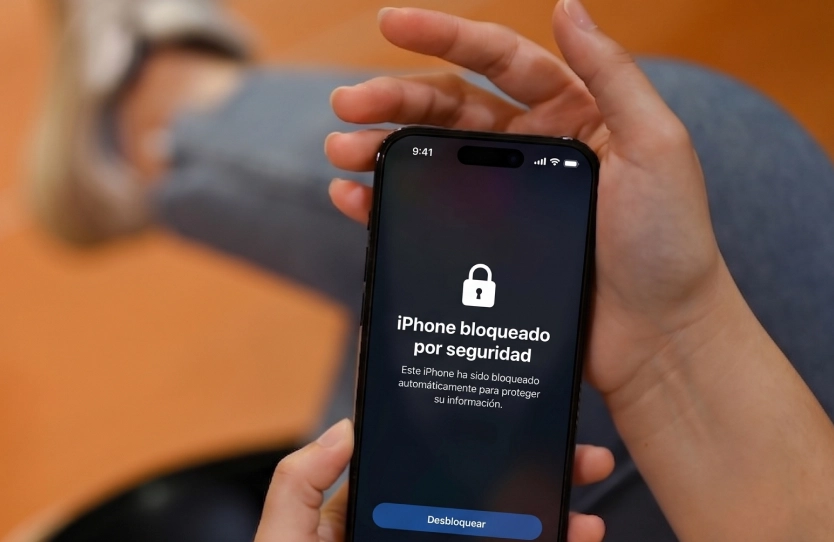
Today, our cell phones store much more than just photos and contacts. Banking apps, documents, emails, and personal accounts make protecting an Android device just as important as protecting our own information. Learn about the features you should enable to be prepared in case of loss or theft.
Why should you set up your cell phone before you need it?
Losing a phone never happens when you expect it to.
It can happen while traveling.
On public transportation.
At a restaurant.
Or it could even be the result of a theft.
When that happens, every minute counts.
Having your security features set up can make the difference between recovering your device and losing all the information on it as well.
1. Turn on “Find My Device”
Google offers a tool that lets you locate, lock, or erase an Android phone remotely.
With it, you can:
✔ Check the device’s approximate location.
✔ Make the device ring.
✔ Lock the device.
✔ Erase all stored data if necessary.
How do you enable it?
Settings → Security & Privacy → Find My Device.
2. Secure access with biometrics
Whenever your device supports it, enable:
✔ Fingerprint.
✔ Face recognition.
These options provide an additional level of security and make unauthorized access more difficult.
3. Enable two-step verification
Your Google account gives you access to emails, photos, documents, and many other apps.
That’s why it’s recommended to enable two-factor authentication.
That way, even if someone gets your password, they’ll still need a second verification method to log in.
4. Keep Android up to date
Updates don’t just add new features.
They also fix vulnerabilities that could be exploited by cybercriminals.
Checking for available updates regularly is a good security practice.
5. Set up automatic lock
Many users let several minutes pass before their phone locks automatically.
Reducing that time helps prevent unauthorized access when the device is left unattended.
6. Enable remote wipe
If it’s absolutely impossible to recover your device, the option to remotely wipe your data prevents photos, documents, or personal information from falling into the wrong hands.
It’s a feature we hope we’ll never have to use, but it’s good to have it set up just in case.
Your Information Is Worth Much More Than Your Phone
When we think of theft, we usually imagine the cost of replacing the device.
But in many cases, the most valuable thing is all the information we store on it.
Properly configuring security features can help you reduce risks, protect your privacy, and react quickly if you ever face an unexpected situation.
Prevention also protects your digital life
Just as we protect our homes or businesses, we must also protect the information we carry in our pockets every day.
At Seguridad Nueva Era, we believe that security starts with small actions that can prevent major consequences.
Discover more recommendations and practical tips on our blog.